Nearly half of branded hotels worldwide are managed by third parties rather than by the brands themselves, according to JLL research reported by Hotel Dive. If your company is one of those third parties, you probably run several flags, in several states, with very different properties. Yet most hiring software demos show one hotel, one brand and one perfect candidate. Knowing how to evaluate hiring software for a portfolio like yours is mostly about refusing that demo and testing your real situation instead.
Why Hiring Software Evaluations Go Wrong for Multi-Brand Operators
1. The Demo Shows One Property, Not Your Portfolio
A standard demo is built to look smooth. It shows a single career page, a single job and a single hiring manager. It doesn't show what happens when five brands each need their own career page, job titles and onboarding documents, and all of it has to roll up into one report for corporate.
2. Feature Checklists Don't Test Workflows
Almost every vendor will tick "mobile apply," "interview scheduling" and "onboarding" on a checklist. The checklist doesn't tell you how many taps the application takes on a phone, whether a GM can actually schedule an interview between check-ins, or whether onboarding forms change by state automatically.
3. The Buyers Aren't the Users
Hiring software is usually chosen by corporate HR and operations leaders. It's used every day by GMs, front office managers and department heads who weren't in the demo. If they find it clunky, they work around it, and you've paid for a system nobody uses.
4. Costs and Brand Requirements Appear After You Sign
Per-location fees, integration costs and setup charges for each new property often only become clear during implementation. So do brand requirements that the system can't support. Both are expensive to discover late.
How to Evaluate Hiring Software, Step by Step
1. Map Your Requirements by Who Owns Them
Before talking to any vendor, sort your requirements into three layers: what your company standardizes everywhere, what each brand requires and what each property controls locally. That map tells you which features are non-negotiable and which are nice to have.
Read: How Multi-Flag Hotel Groups Keep Hiring Consistent Without Losing Local Control
2. Build a Weighted Scorecard
Score every vendor against the same criteria, weighted by what matters most to a multi-brand portfolio:
|
Criterion
|
Suggested weight
|
How to test it
|
|
Brand-specific career pages and job templates on one system
|
High
|
Ask the vendor to set up two of your actual brands in the demo
|
|
Mobile and text-based applications
|
High
|
Apply on your own phone and time it
|
|
Consistent, job-related screening
|
High
|
Review how screening questions are set and who can change them
|
|
Automated interview scheduling
|
High
|
Have a GM book an interview themselves
|
|
Onboarding by brand, role and state, including Form I-9 and E-Verify
|
High
|
Walk a new hire through onboarding in two different states
|
|
Integrations with each property's payroll and HR systems
|
High
|
List every payroll system you use and ask which are live integrations versus file exports
|
|
Portfolio-wide reporting
|
Medium
|
Ask to see properties compared side by side
|
|
Time to set up a new property
|
Medium
|
Ask references how long their last property took to go live
|
|
Pricing model
|
Medium
|
Get a three-year total cost for your full portfolio
|
3. Script the Demo Around Your Real Situation
Send the vendor a scenario in advance and ask them to run it live. For example: a select-service property and a lifestyle property under different flags, in two states, both need a room attendant by Friday. Watch how the job gets posted on each brand's career page, how candidates are screened and scheduled, and how onboarding differs by state. A vendor that can't run your scenario is telling you something.
4. Test it the Way Candidates and GMs Will
Apply to a test job on your phone, start to finish. Application friction is costly in hospitality: 68% of hospitality workers in a 2025 research said they had abandoned a job application. Then have one or two GMs try scheduling an interview and reviewing a candidate. Scheduling speed matters too. In Cronofy's 2024 survey, 42% of candidates said they had left a hiring process because scheduling took too long.
5. Check Compliance and Data Handling
Ask every vendor the same compliance questions:
- Form I-9 and E-Verify: How does the system support the I-9 process? Remember that the person who examines an employee's documents must also complete and sign Section 2, within three business days of the first day of work for pay (USCIS).
- Text messaging: How does the system capture consent and handle opt-outs? Text messages count as calls under the Telephone Consumer Protection Act (FCC).
- AI screening: What does the AI do, and what information does it provide to support your compliance? Some jurisdictions regulate automated hiring tools. New York City, for example, requires a bias audit and candidate notice before employers use certain automated tools in hiring decisions, including screening (NYC DCWP).
- Data: Who owns your candidate and employee data, and how do you get it out if you leave?
6. Ask the Right Reference and Contract Questions
Talk to references that look like you: multiple brands, multiple states, a similar number of properties. Ask how long implementation actually took, what surprised them and how support works on a Saturday night. In the contract, confirm how pricing changes when you add or lose a management contract, what happens to your data at the end of the term and what support hours you get.
7. Pilot Before you Commit
Run a pilot at two or three properties across different brands and states for 60 to 90 days. Measure time to review applicants, interview show rate and time to fill against your current baseline. Roll out only once the pilot properties are hiring faster with less effort.
How HigherMe Approaches Multi-Brand Hiring
HigherMe is an hourly hiring platform used across 20,000+ locations, including hospitality. For multi-brand operators, it supports brand-specific career pages and job templates on a single platform, so each flag keeps its identity while corporate runs one process.
Text-to-Apply and short mobile applications keep candidates moving. NextMatch AI runs role-specific interviews with customizable questions, and candidates self-schedule into times managers set. Paperless onboarding sends documents by role or location, with Form I-9 and E-Verify built in, and one dashboard covers every location.
The right hiring software for a multi-brand portfolio isn't the one with the best demo. It's the one that handles your messiest real scenario and that your GMs will actually use. Our view: if a vendor won't run your scenario live, keep looking. To see how HigherMe handles hiring across multiple brands and properties, visit HigherMe.
Frequently Asked Questions
1. What should you look for in hiring software for hotels?
Look for fast mobile applications, consistent screening, automated interview scheduling, onboarding by role and state with Form I-9 and E-Verify, payroll integrations and portfolio-wide reporting. Multi-brand operators should also require brand-specific career pages and job templates on one system. HigherMe supports brand-specific career pages and templates alongside Text-to-Apply, AI screening and paperless onboarding.
2. How do you compare applicant tracking systems?
Score every vendor on the same weighted criteria, run the same scripted demo with each one, and test the candidate and manager experience yourself. Talk to references with portfolios like yours, and pilot your top choice before committing. HigherMe can be evaluated the same way, against a scenario built from your own brands and properties.
3. What questions should you ask in a hiring software demo?
Ask the vendor to run your real scenario: multiple brands, multiple states and an urgent opening. Ask how each brand's career page and onboarding differ, how payroll integrations work for each property, how text consent is handled and what the AI screening does. HigherMe will walk through multi-brand setups using your actual brands and roles.
4. How long does it take to implement hiring software across multiple hotels?
It depends on the vendor, the number of properties and how many payroll and HR systems need to connect. Ask references how long their last property took to go live, and pilot at two or three properties before a full rollout. HigherMe is built for multi-location operators, so new properties can be added to the same platform as your portfolio grows.
5. How much does hotel hiring software cost?
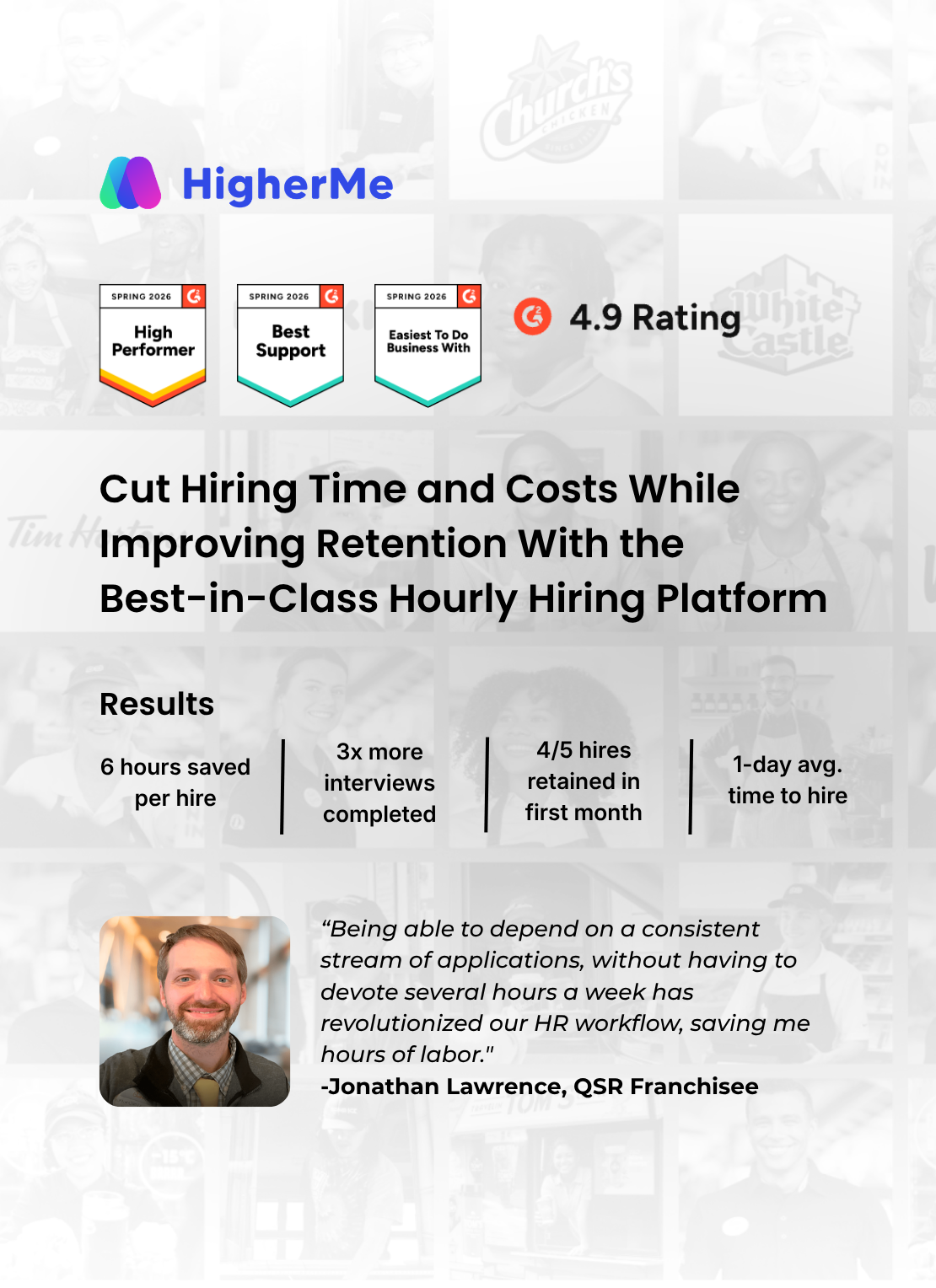
Most vendors quote custom pricing based on locations, modules and integrations. Compare a three-year total cost for your full portfolio, including setup for new properties, rather than the first-year price. Weigh it against the GM hours saved; HigherMe reports saving 6 hours per hire through automated screening and scheduling.


-2.png)